Ce site n'est en aucun cas affilié à Facebook ou Meta. Nous utilisons la publicité pour promouvoir nos contenus et produits/services auprès d'un public plus large. Les informations fournies sur ce site sont uniquement à titre informatif et ne constituent pas un conseil professionnel ou financier.
ENG: The freeze frame effect, dropped into your edit in three seconds.
French: L'effet freeze frame posé sur ton montage en trois secondes!
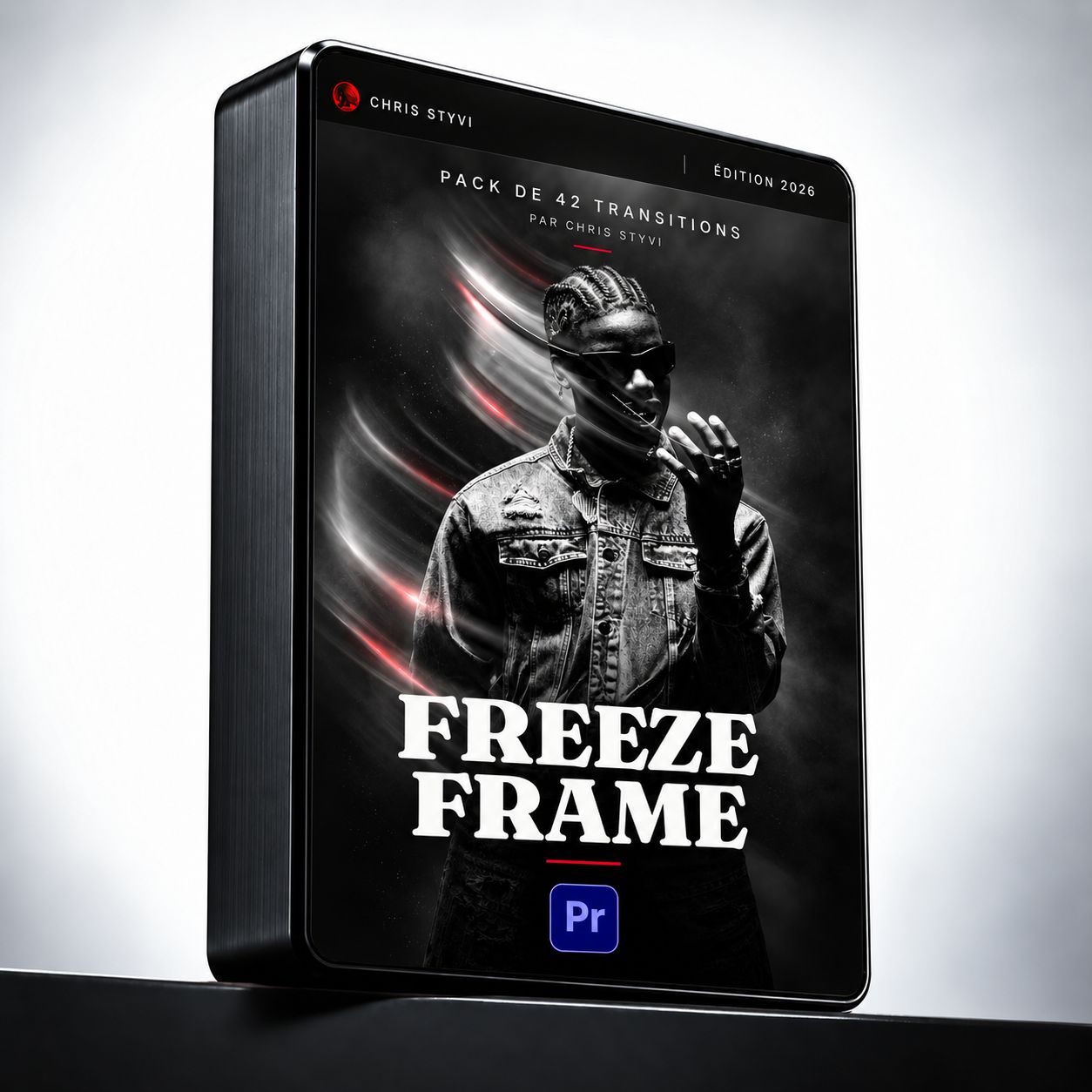
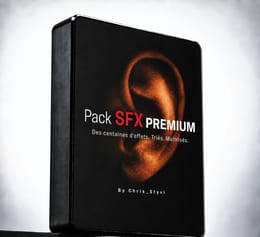
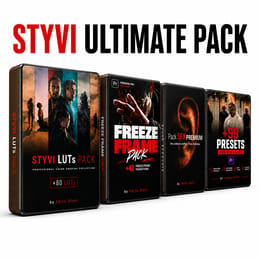
42 ready-to-use transitions for Adobe Premiere Pro. Drag the preset onto your clip, adjust, done. No keyframes to rebuild.
42 transitions prêtes à l'emploi pour Adobe Premiere Pro. Tu glisses le preset sur ton plan, tu ajustes, c'est fini. Aucun keyframe à refaire.
You pause your clip, export a still, drag it back into the timeline. You add a stroke, a blur, some movement. An hour later it still moves wrong, and the client is waiting. Next day, new project, you start over from scratch.
Tu mets ton plan en pause, tu exportes une image fixe, tu la ramènes dans la timeline. Tu ajoutes un contour, un flou, un mouvement. Une heure plus tard, ça bouge encore mal et le client attend. Le lendemain, sur un autre projet, tu recommences tout depuis zéro.
⚡ Accélère tes montages. Capte l’attention. Marque les esprits.
Ce que tu reçois
What you get
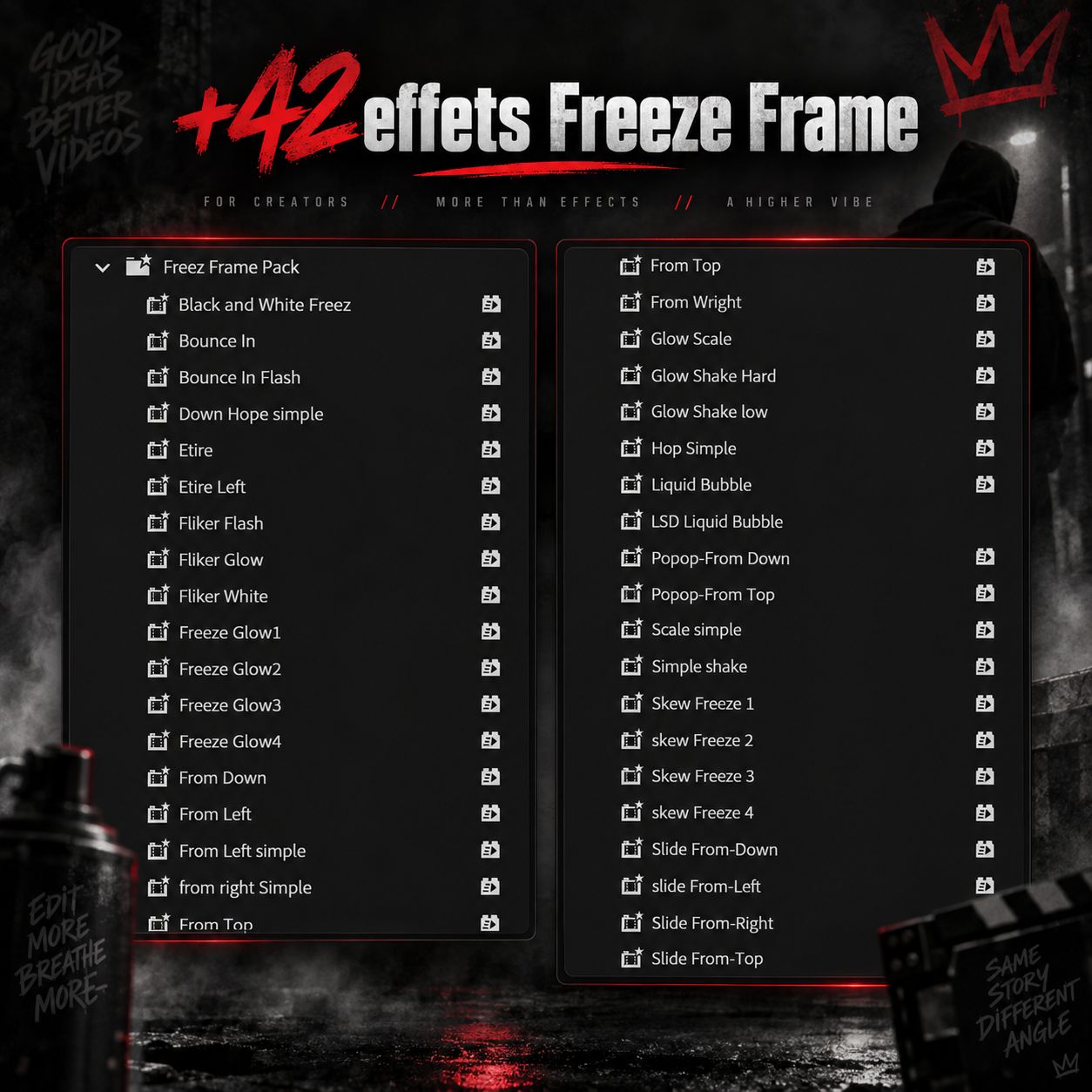
42 freeze frame transitions (.prfpset)
Video installation tutorial
Video usage tutorial
Access to the private editors' group
Free pack updates, forever
Why 42 effects and not 200
Every effect here comes from a real edit. I built them for my own music videos and corporate films, kept the ones that hold up on export, threw out the rest. Files are named and sorted by movement type — you find the one you want without hunting.
Works on Mac and Windows. Works in any language version of Premiere Pro.
Note: tutorials are in French — turn on YouTube auto-translated subtitles.
42 transitions freeze frame au format .prfpset
Le tutoriel d'installation en vidéo
Le tutoriel d'utilisation en vidéo
L'accès au groupe WhatsApp réservé aux monteurs
Les mises à jour du pack, sans repayer
Pourquoi 42 effets et pas 200
Ici, chaque effet sort d'un montage réel. Je les ai construits pour mes propres clips et mes films d'entreprise, gardé ceux qui tiennent à l'export, jeté le reste. Les fichiers sont nommés et rangés par type de mouvement : tu trouves celui que tu cherches sans le chercher.
Le tutoriel est en ligne avant même que tu achètes. Regarde-le, tu verras que c'est une manipulation d'une minute.
57 créateurs ont le pack. 566 clients dans la boutique, 100 % d'avis positifs.
Prévisualisez gratuitement les premières pages avant l'achat
Freeze Frame Pack Vision 5 1 By Chris Styvy.1 by chris styvy
1.46 MB
Aucun aperçu
Questions Fréquentes
L’installation et l’utilisation du pack sont très simples.
Sur la page d’accueil, vous trouverez déjà une vidéo tutorielle qui explique comment installer et utiliser le pack étape par étape.
Après votre achat, vous recevrez également des liens vers des vidéos d’installation et d’utilisation pour vous accompagner dans la prise en main du pack.
Même si vous débutez sur Premiere Pro, vous pourrez installer et utiliser les effets facilement en suivant ces tutoriels.
Oui.
Le pack fonctionne sur Mac et sur Windows, tant que vous utilisez une version compatible de Premiere Pro.
Oui.
Les effets ont été pensés pour être simples et rapides à utiliser, même si vous débutez en montage vidéo.
Dans le pack vous trouverez :
des presets prêts à utiliser
des exemples d’utilisation
des explications pour vous aider à reproduire l’effet
Oui bien sûr.
Vous pouvez utiliser les effets dans tous vos projets personnels ou professionnels, que ce soit pour :
YouTube
TikTok
Instagram
clips vidéo
publicités
contenu client
Oui.
Si des améliorations ou des bonus sont ajoutés, vous pourrez y accéder selon les mises à jour disponibles.
À propos de moi
100% avis positifs
13 avis au total
977 clients
chrisstyvi — Je simplifie pour que tu crées mieux - Formations et ressources créatives pour les créateurs et entrepreneurs d'Afrique francophone. Intelligence artificielle, retouche photo, montage et étalonnage. Des méthodes issues de la pratique professionnelle. 778 clients accompagnés.
Avis
100% (3)
Toby M.
il y a 3 mois
Depuis la Guinée. Pack complet et facile à utiliser. Une excellente prise en charge. Le vieux Anitché deh
Chris E.
il y a 7 mois
Franchement je kiff ! j'étais un peu hésitant vu le prix mais je dois avouer que ça me fait gagner un temps fou ! alors je le recommande 😌 Chris c'est un vrai !
Brad A.
il y a 8 mois
J'ai acheté ce pack je suis au Gabon ça me facilite vraiment la vie vraiment merci en attend encore d'autres preset